Interaction
Save Assets
Save assets (image, video, audio, file) from element or URL
Block type: save-assets
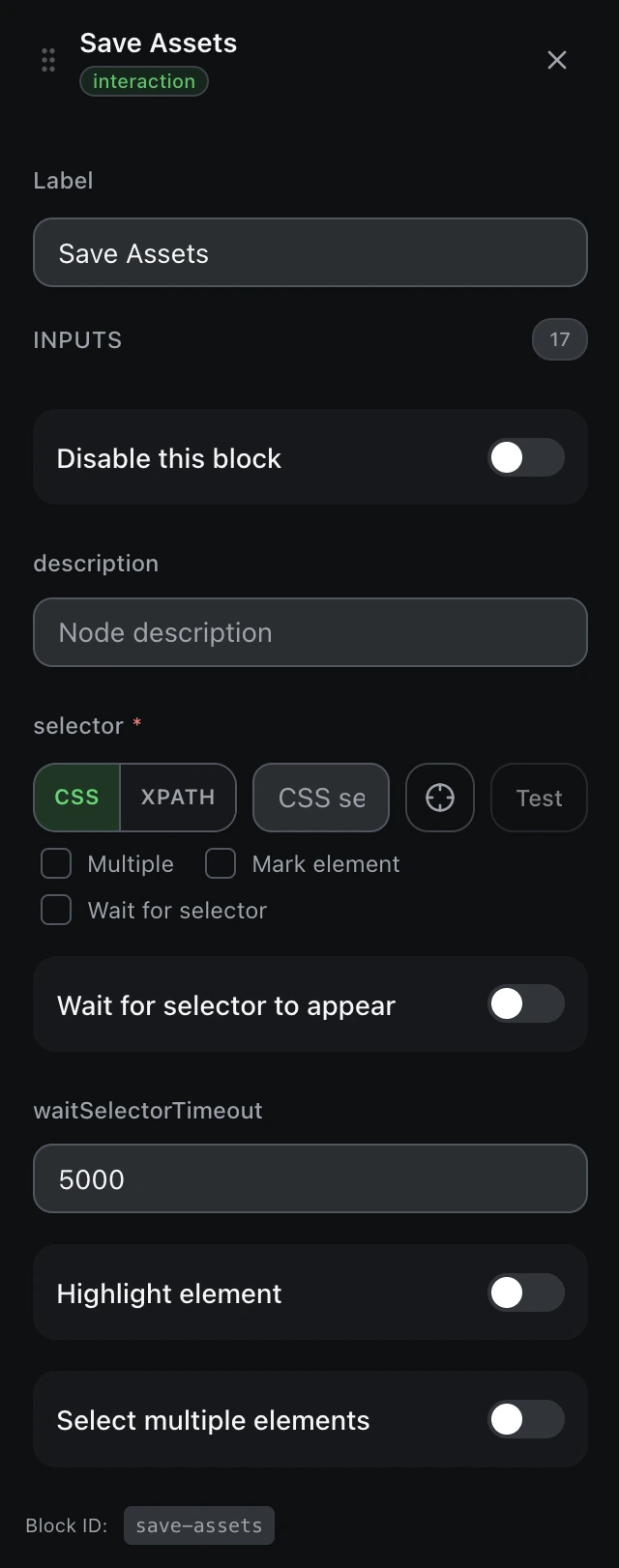
Inputs
| Name | Type | Default | Description |
|---|---|---|---|
disableBlock | boolean | false | Disable this block |
description | string | — | Node description |
findBy | select | cssSelector | Selector typecssSelectorxpath |
selectorrequired | string | — | CSS selector or XPath |
waitForSelector | boolean | false | Wait for selector to appear |
waitSelectorTimeout | number | 5000 | Selector wait timeout (ms) |
markEl | boolean | false | Highlight element |
multiple | boolean | false | Select multiple elements |
saveType | select | element | Save from element or URL Example: elementurl |
url | string | — | Asset URL (url mode) |
filename | string | — | Custom filename |
onConflict | select | uniquify | On filename conflict Example: uniquifyoverrideskip |
saveDownloadIds | boolean | false | Track download IDs |
saveData | boolean | true | Insert into the workflow table |
dataColumn | string | — | Table column name |
assignVariable | boolean | false | Assign to variable |
variableName | string | — | Variable name |
Outputs
filePathstringSaved file path