Working in bulk
Acting on many profiles at once instead of one at a time.
Batch actions
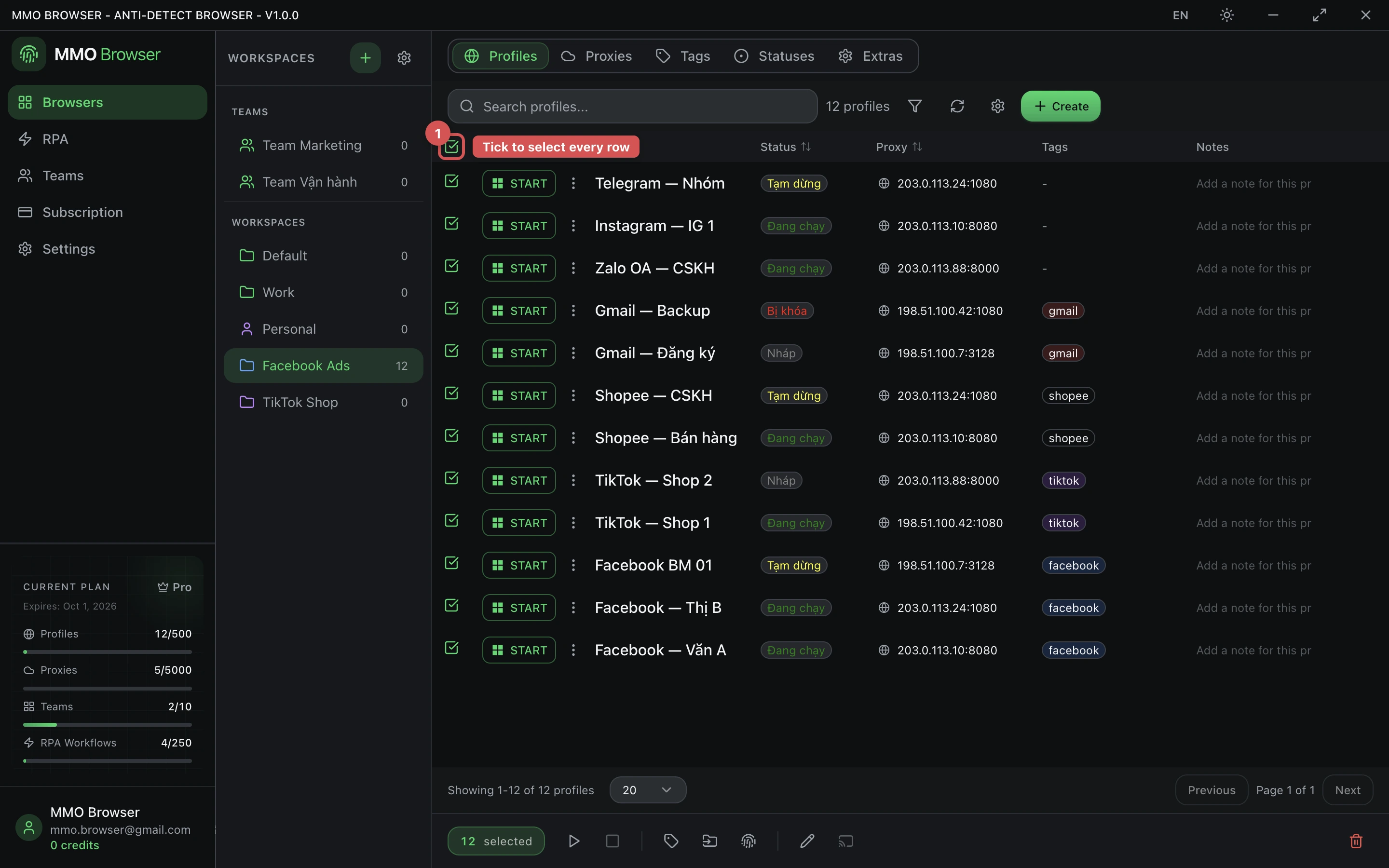
Select several profiles and the action bar applies to all of them: start, stop, assign a proxy, add or remove tags, change status, or delete. This is the difference between managing thirty profiles and managing three.
Starting many profiles at once is bounded by your machine, not by the app. Each running profile is a real Chromium process with its own memory; start in groups and watch the first group settle before launching the next.