General
Export Data
Export workflow data to file
Block type: export-data
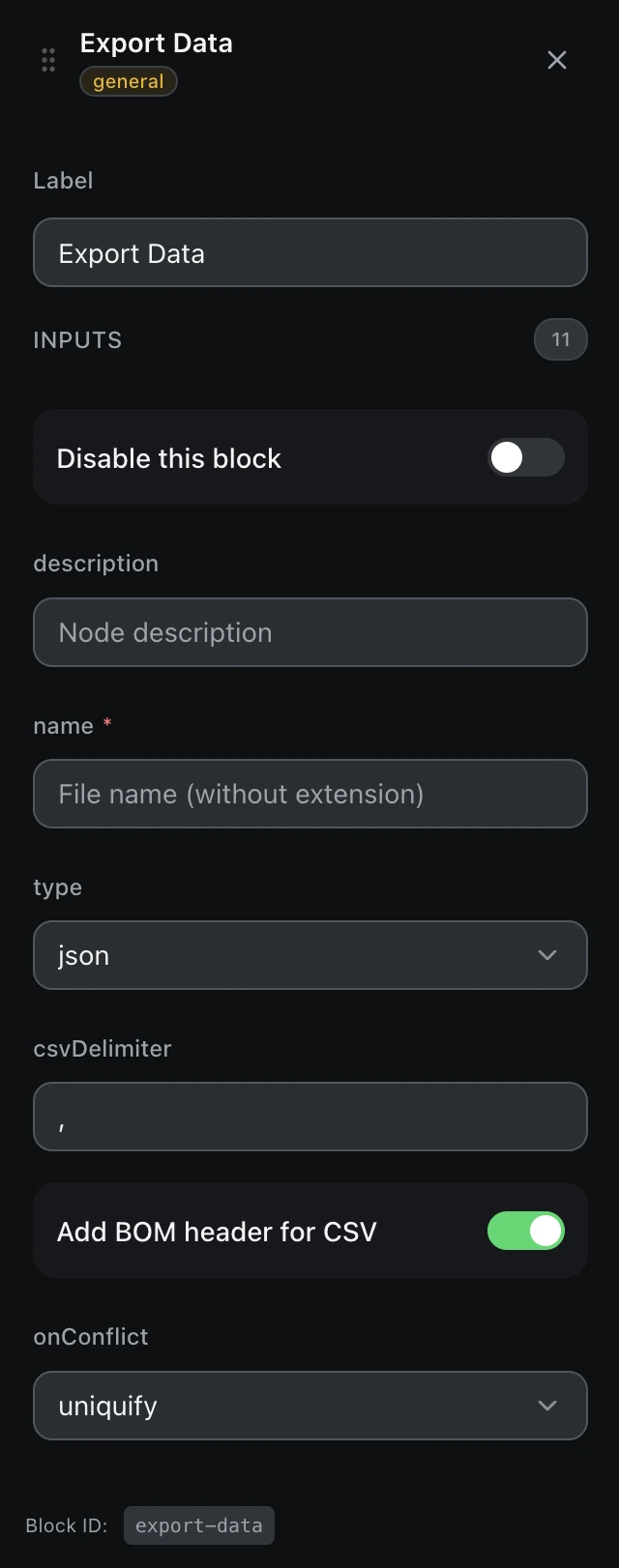
Inputs
| Name | Type | Default | Description |
|---|---|---|---|
disableBlock | boolean | false | Disable this block |
description | string | — | Node description |
namerequired | string | — | File name (without extension) |
type | select | json | Export format Example: jsoncsvplain-text |
csvDelimiter | string | , | CSV delimiter |
addBOMHeader | boolean | true | Add BOM header for CSV |
onConflict | select | uniquify | On filename conflict Example: uniquifyoverrideskip |
dataToExport | select | data-columns | Data source Example: data-columnsvariable |
dataColumn | string | — | Table column name |
assignVariable | boolean | false | Assign to variable |
variableName | string | — | Variable name |
Outputs
filePathstringPath of the file that was written
contentstringThe exported content itself