Getting started
What the RPA engine does, and how to get a first workflow running against a profile.
What a workflow is
A workflow is a graph of blocks. Each block does one thing — open a tab, click an element, read text, branch on a condition — and the connections between them decide what runs next. Nothing is scripted line by line; you drag blocks onto the canvas and wire them together.
Workflows always run against a browser profile, not against a bare browser. The profile supplies the fingerprint, proxy, cookies and storage, so the same workflow behaves like a different person on every profile you point it at.
Your first workflow
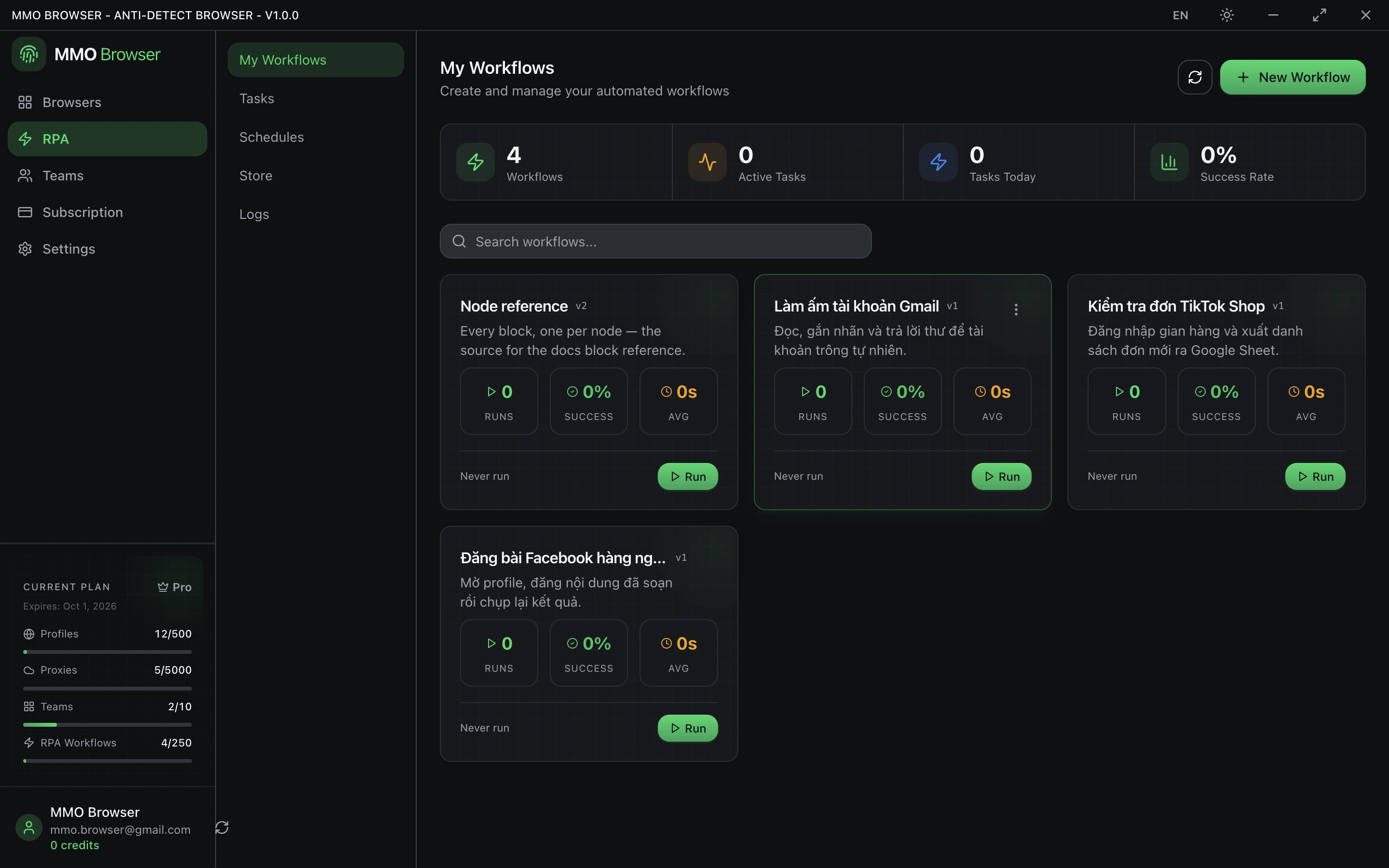
- Open the RPA section and create a workflow. A Trigger block is placed for you — every workflow starts there.
- Drag a New Tab block onto the canvas and set its URL.
- Connect Trigger to New Tab by dragging from the output handle to the input handle.
- Add Get Text, give it a CSS selector, and assign the result to a variable.
- Pick a profile and run. The engine opens that profile's browser and walks the graph.
You can test a single block without running the whole workflow. That is the fastest way to get a selector right before wiring the rest.
Anatomy of a block
Every block exposes a set of inputs, listed in full on each block's reference page. Two of them appear on almost every block:
- Disable this block — keeps the block on the canvas but skips it at run time. Useful for bisecting a broken workflow.
- Node description — a free-text note that shows on the canvas, so a graph of thirty blocks stays readable.
Blocks that touch the page share a selector group: selector type (CSS or XPath), the selector itself, whether to wait for it to appear, how long to wait, whether to match multiple elements, and whether to highlight what matched while you watch it run.