Plans and credits
What a plan limits, how credits work, and what happens when a subscription lapses.
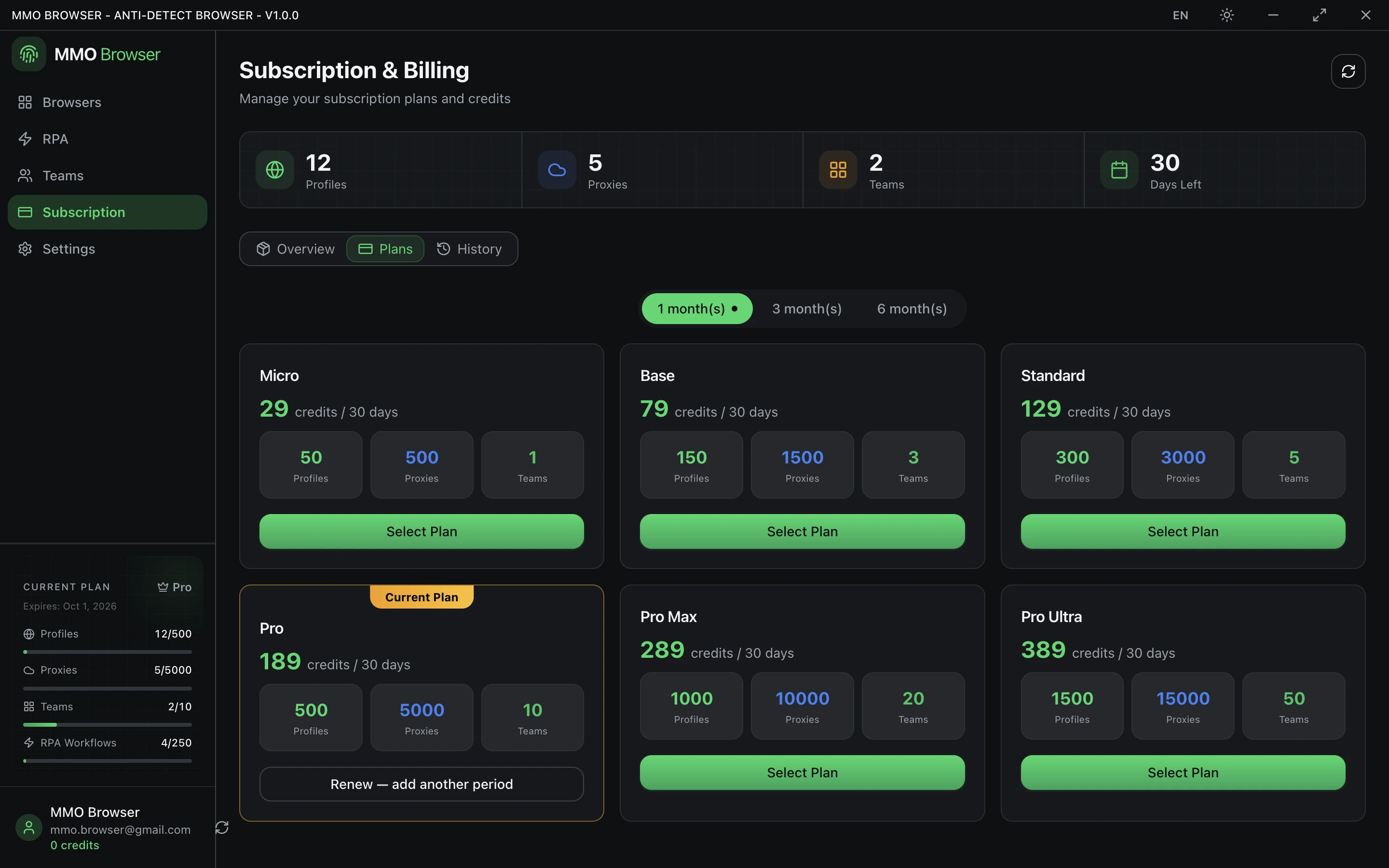
What a plan sets
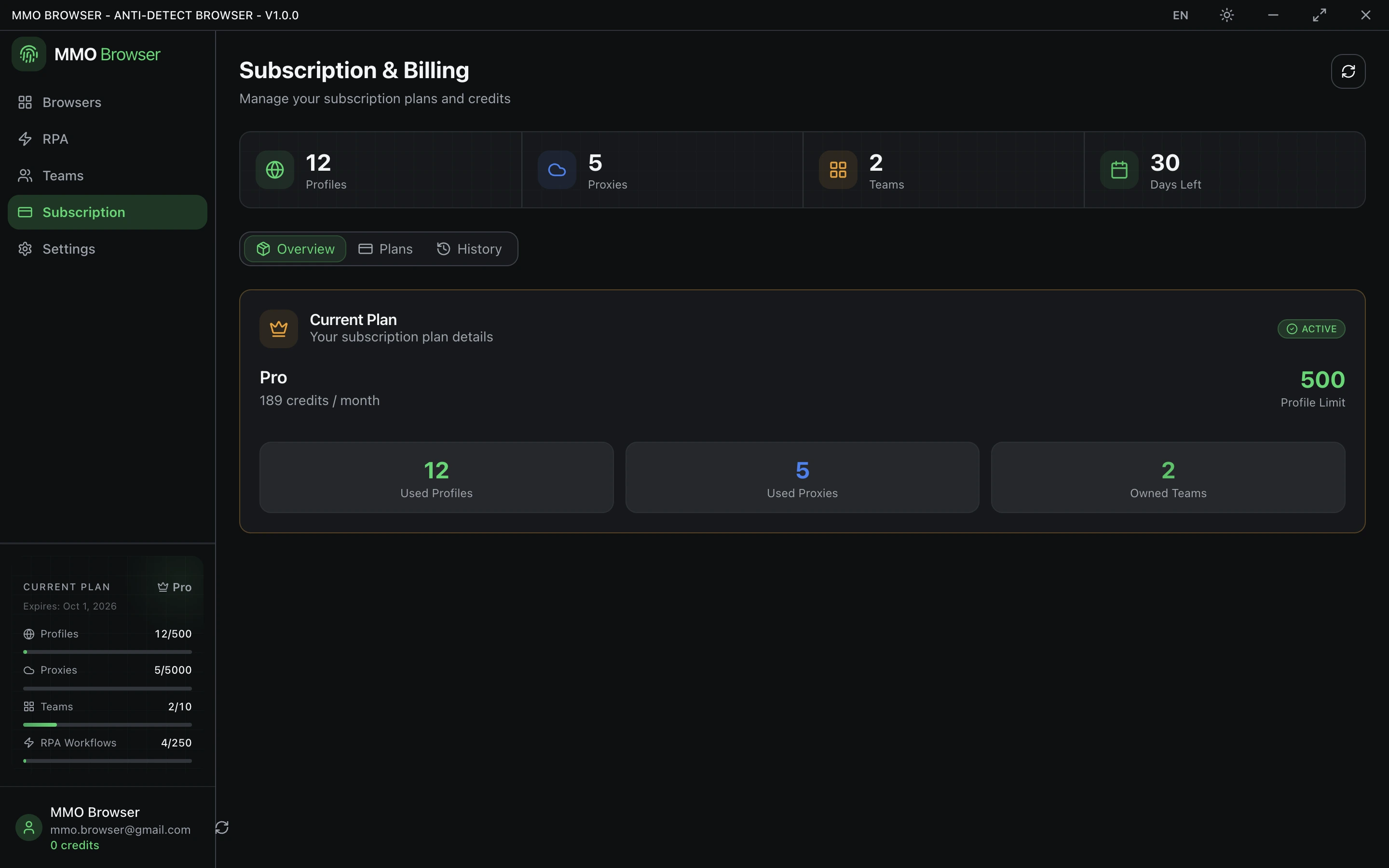
- Profiles — the maximum number you may have.
- Proxies — the maximum stored in your account.
- Teams and team members — how many teams you may own, and how large each may be.
- RPA workflows — how many you may keep.
- RPA tasks per day — how many workflow runs you may start in a day.
- Devices — how many machines may hold a live session at once.
A limit of zero on a feature means the plan does not include it at all, not that it is unlimited. Unlimited is shown as unlimited.
Credits
Plans and store purchases are priced in credits, and you top up your credit balance with real money. The exchange rate is applied at the moment you buy credits and then frozen onto that invoice, so a later rate change never reprices credits you already hold.
Your balance is visible in the subscription area, along with what has been spent. Store purchases draw from the same balance as subscriptions.
When a subscription ends
A subscription runs for the number of days its plan specifies. When it lapses you keep your data — profiles, workflows and proxies are not deleted — but you drop to the free allowance, so anything above the new limits becomes read-only until you renew or reduce it.
Renew before you are near a limit rather than after. Being over the profile cap is an awkward state to work in.