Extensions and bookmarks
Installing extensions once and pushing them to many profiles, and keeping a shared set of links.
Extensions
Extensions are added to your account once and then enabled per profile. A wallet, an anti-captcha extension or an internal tool does not have to be installed by hand into every profile you own, and a new profile can be given the same set as the rest at creation time.
- Add the extension to your account.
- Enable it on the profiles that need it.
- Restart those profiles — extensions are loaded when the browser starts, so a running profile does not pick one up mid-session.
An extension is code running inside every profile you enable it on, with access to the pages there. Add extensions you have a reason to trust; an anti-detect setup does not protect you from something you installed yourself.
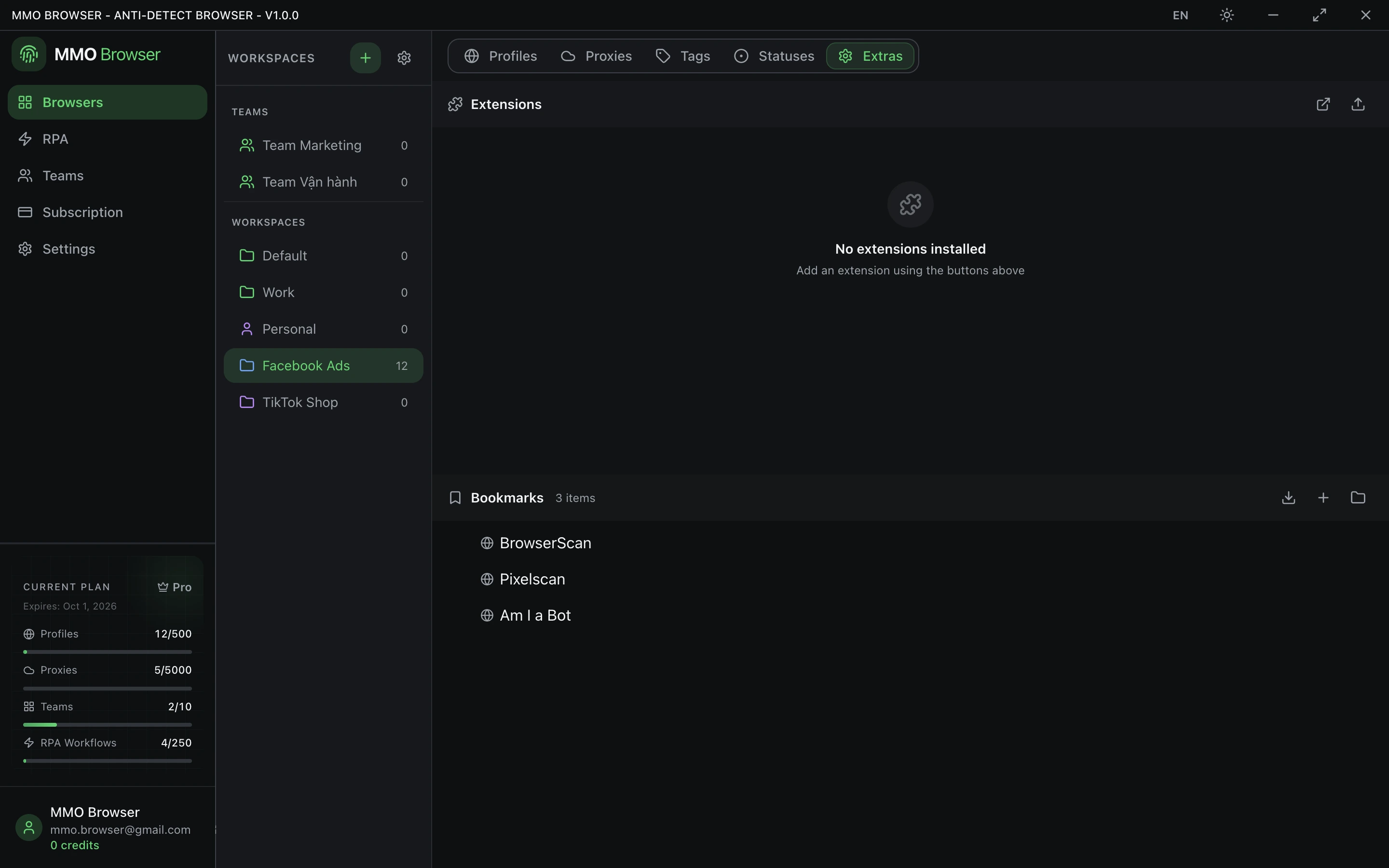
Bookmarks
Bookmarks are organised into folders on your account and pushed into profiles, so every profile opens with the same working set of links instead of being set up by hand.
This matters more than it sounds for a shared team: everyone reaches the same admin panel or dashboard through the same bookmark rather than through a link someone pasted into a chat, and a link that changes is updated in one place.