Advanced
AI Extract
Extract structured JSON from page content using AI (BYOK)
Block type: ai-extract
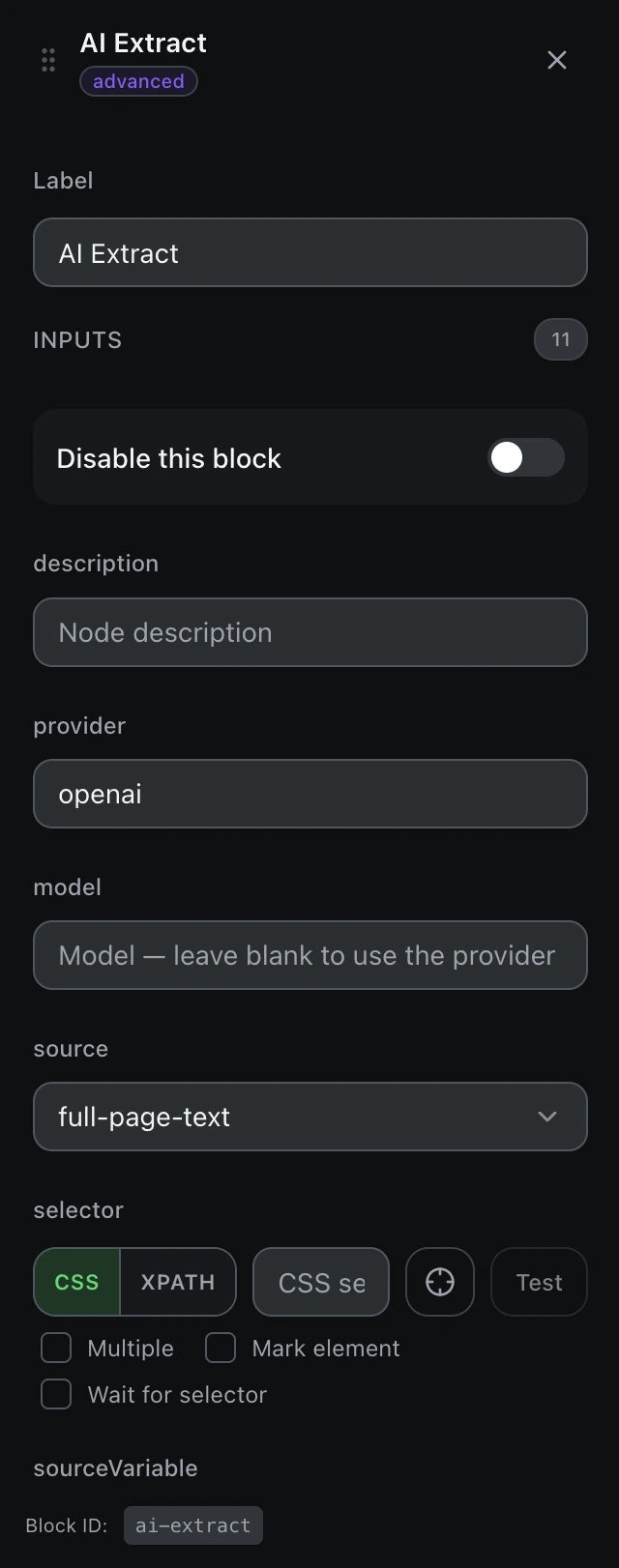
Inputs
| Name | Type | Default | Description |
|---|---|---|---|
disableBlock | boolean | false | Disable this block |
description | string | — | Node description |
provider | string | — | Provider id from Settings → AI Providers (e.g. openai, openrouter) |
model | string | — | Model — leave blank to use the provider default |
source | select | full-page-text | Where to read content: full page text, a selector, or a variable Example: full-page-textselectorvariable |
selector | string | — | CSS selector (when source = selector) |
sourceVariable | string | — | Variable name (when source = variable) |
schema | array | [] | Fields to extract — each with name, type, description |
instruction | textarea | — | Extra instruction to guide extraction (optional) |
outputVariable | string | extracted | Variable to store the extracted object |
maxTokens | number | 2000 | Maximum output tokens |
Outputs
extractedobjectExtracted data