Variables and data
Passing values between blocks, the data table, and getting results out.
Referencing a variable
Any text input in any block can reference a variable with double braces. Dotted paths reach into objects.
https://example.com/search?q={{keyword}}
Hello {{user.name}}, your order {{order.id}} is ready
A reference that does not resolve is left in place as literal text rather than becoming an empty string. Seeing {{keyword}} in a URL is the signal that the variable was never set.
Global data is a workflow-wide constant store — API bases, shared account names, anything reused across a run. Set it from the table icon in the editor and reference it under the globalData namespace:
{{globalData.apiBase}}/users
Signing in as {{globalData.account}}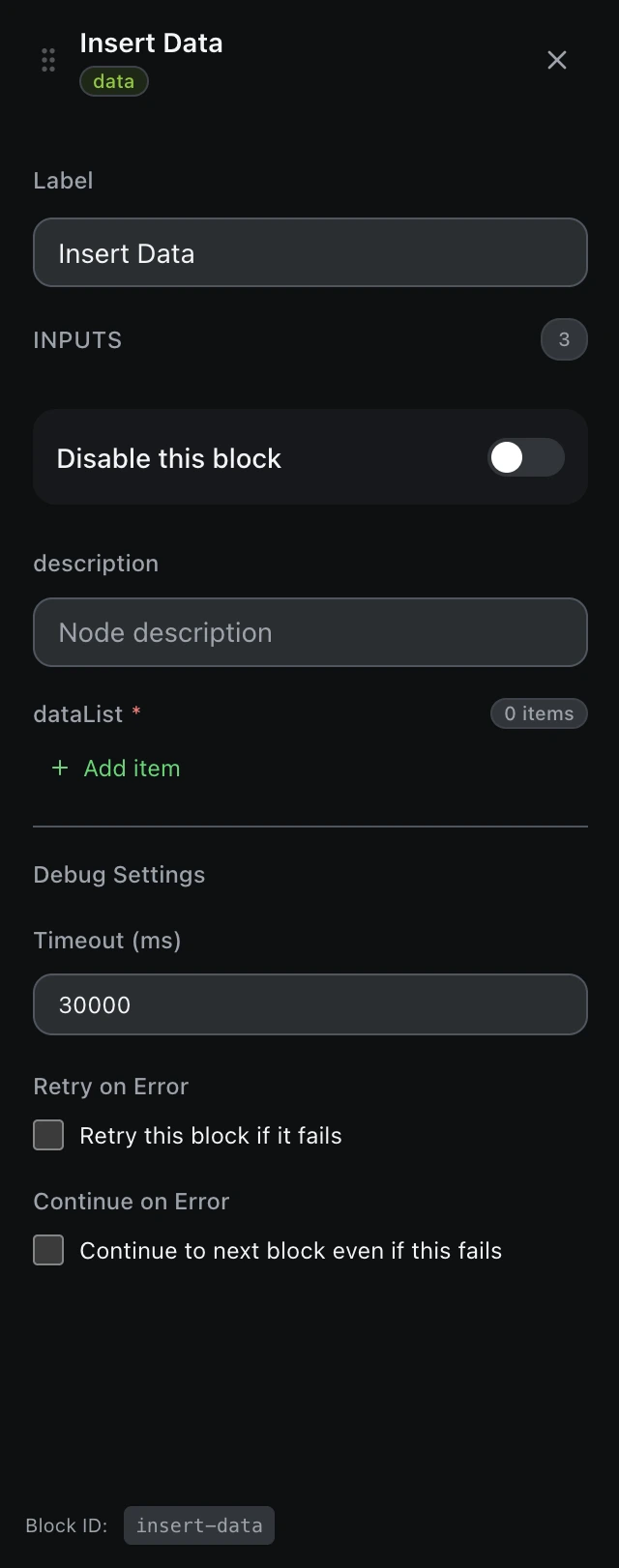
Producing values
Blocks that read something — Get Text, Attribute Value, Get Tab URL, HTTP Request, JavaScript Code — offer two destinations, and you can use both at once:
- Assign to variable — keeps the value for later blocks in the same run.
- Save as data column — appends it to the data table, the tabular result of the run.
The data table
The data table is what you usually want at the end of a scrape: one column per field, one row per item. Insert Data writes rows explicitly, Delete Data clears them, and Export Data writes the table out as JSON or CSV — with a delimiter and an optional BOM header so spreadsheets open it correctly.
Save as data column fills a column cell by cell: repeated saves to one column stack into new rows, while saving to different columns fills across the same row — so alternating Title, Price, Title, Price builds complete rows. Export fills any gaps so every row has every column.
The Data category also carries the transforms you would otherwise write by hand: JSON Parse and JSON Stringify, String Operations, Math Operation, Date/Time, RegEx, Sort Data, Data Mapping, Slice Variable and Increase Variable.