Interaction
Forms
Manipulate form elements (input, select, checkbox, radio)
Block type: forms
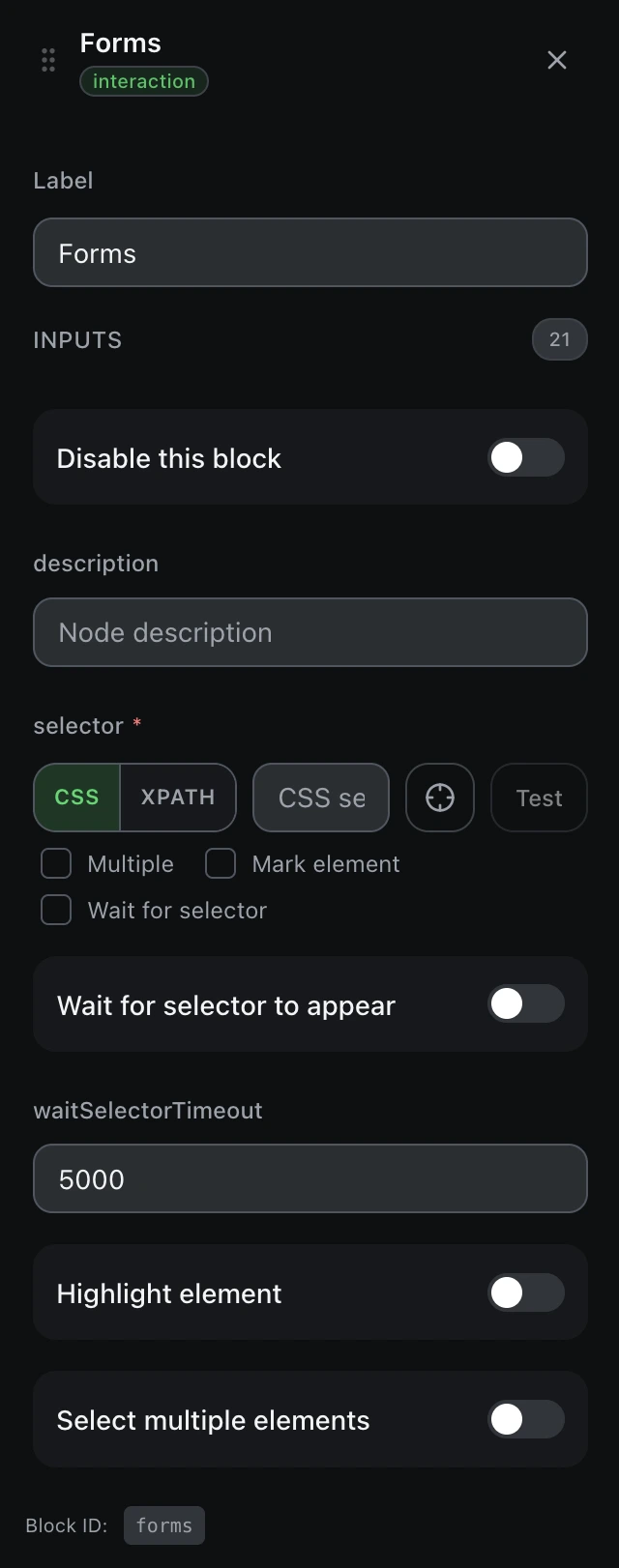
Inputs
| Name | Type | Default | Description |
|---|---|---|---|
disableBlock | boolean | false | Disable this block |
description | string | — | Node description |
findBy | select | cssSelector | Selector typecssSelectorxpath |
selectorrequired | string | — | CSS selector or XPath |
waitForSelector | boolean | false | Wait for selector to appear |
waitSelectorTimeout | number | 5000 | Selector wait timeout (ms) |
markEl | boolean | false | Highlight element |
multiple | boolean | false | Select multiple elements |
formType | select | text-field | Form element type Example: text-fieldselectmultiple-selectcheckboxradio |
valuerequired | string | — | Value to input/select |
selected | boolean | true | Selected state (checkbox/radio) |
clearValue | boolean | true | Clear field before input |
getValue | boolean | false | Get current value |
selectOptionBy | select | value | Select option by Example: valuetext |
optionPosition | string | 1 | Option position (1-based) |
delay | number | 0 | Typing delay in ms |
events | array | [] | Events to trigger |
saveData | boolean | true | Insert into the workflow table |
dataColumn | string | — | Table column name |
assignVariable | boolean | false | Assign to variable |
variableName | string | — | Variable name |
Outputs
valuestringForm value (if getValue)