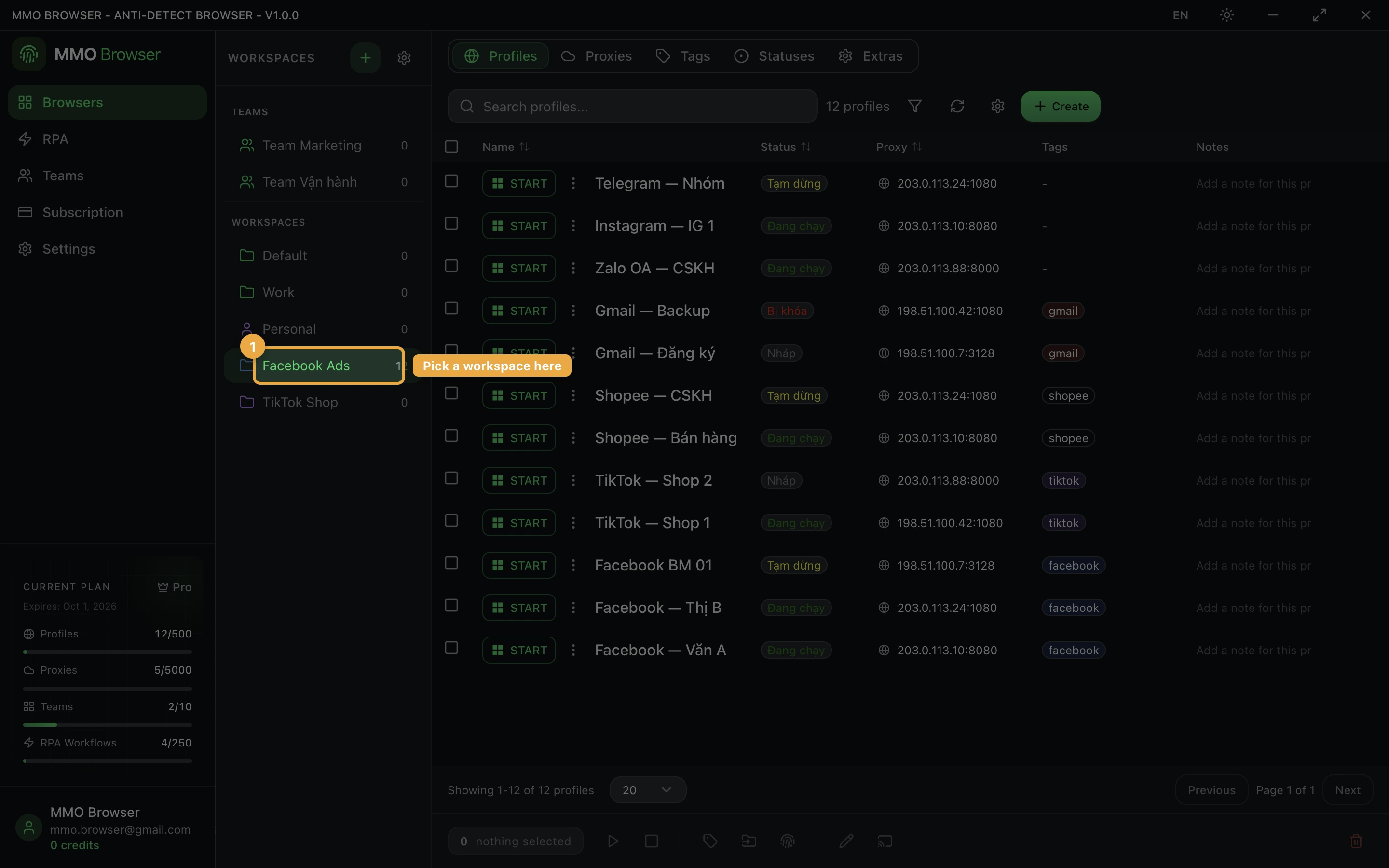
Workspaces
How workspaces separate one body of work from another, and how they interact with teams.
What a workspace holds
A workspace is a container for profiles, proxies and tags. Every account starts with a default workspace, and most people never need a second one. Create more when you are running genuinely separate bodies of work — a different client, a different marketplace, a different project — and you want the profile list to show one of them at a time.
Switching workspace changes what the profile list, the proxy list and the tag filters show. Nothing is deleted or stopped by switching; a profile running in one workspace keeps running while you look at another.