Teams and roles
Sharing work with other people, and what each of the four roles can do.
How teams work
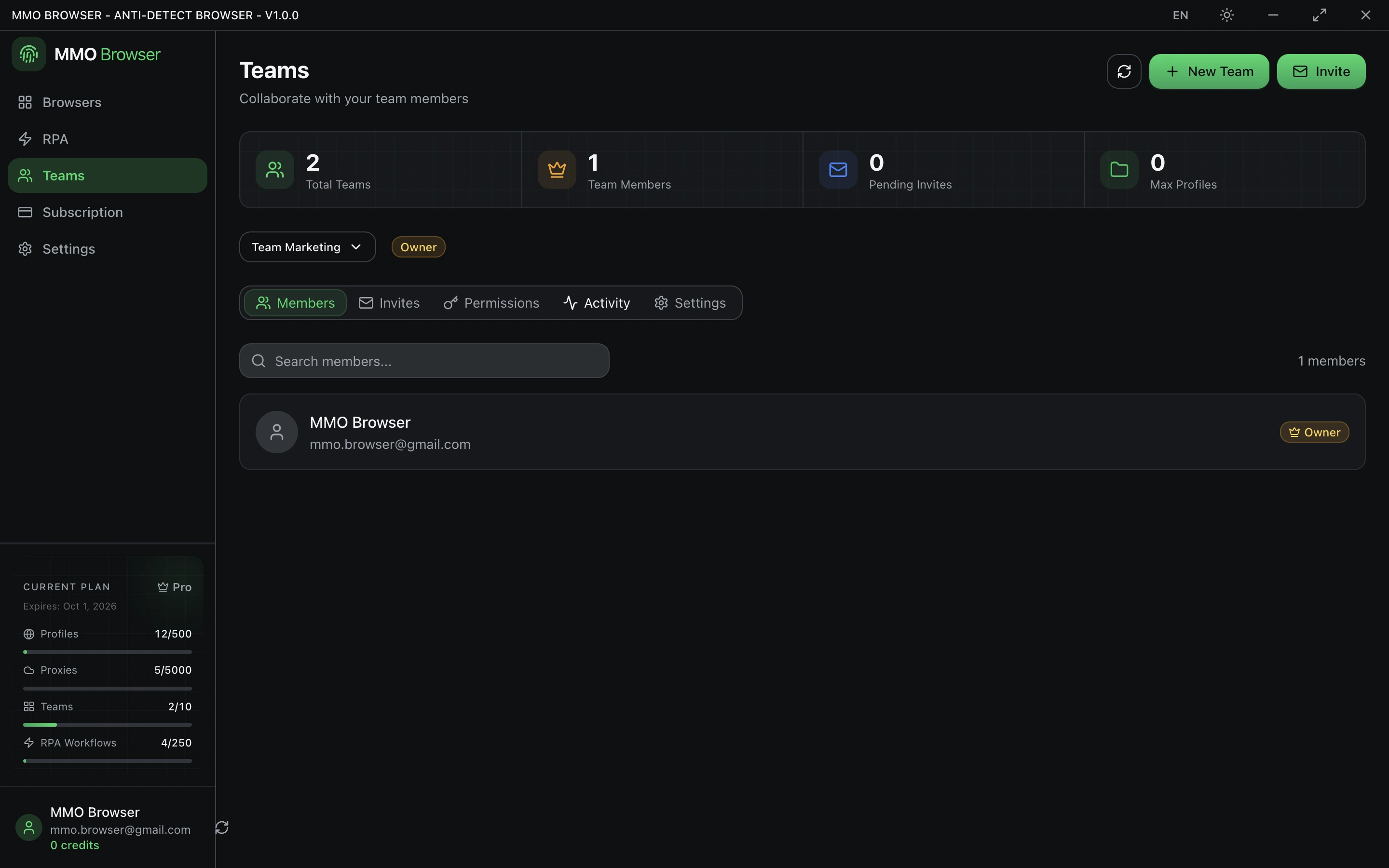
A team is a group of accounts that can be given access to your workspaces. Each member keeps their own login, so nobody is sharing a password, and you can withdraw one person's access without disturbing anyone else.
- Create a team and invite people by email. They get a link that ties the invitation to their own account.
- Give each member a role.
- Share a workspace with the team. Its profiles and proxies become available to the members according to their role.
The four roles
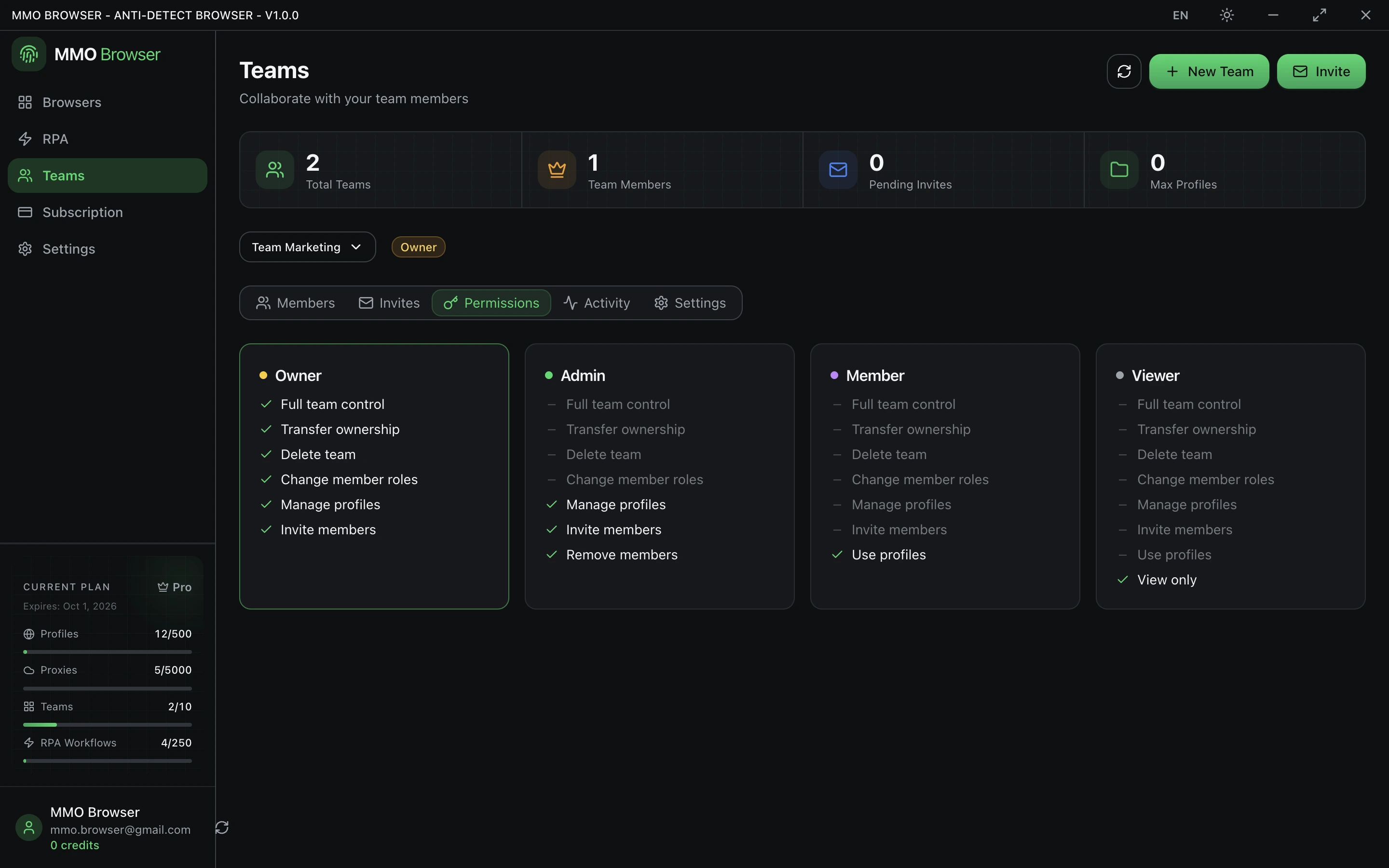
- Owner — the person who created the team. Full control, including deleting the team. There is exactly one.
- Admin — can manage members and shared resources, but cannot delete the team.
- Member — the working role: uses the profiles shared with the team and runs workflows.
- Viewer — read-only. Can see what exists without changing or running it.
Give people Viewer when they only need visibility. It is the difference between an accident being noticed and an accident being irreversible.
Limits
Your plan caps how many teams you may own and how many members a team may hold. Both are on the pricing page. Being a member of somebody else's team does not consume your own allowance.