The workflow store
Finding workflows other people have published, and publishing your own.
Finding a workflow
The store lists workflows published by other users, browsable by category and sortable by how much they are used. Free listings can be imported directly; paid ones are bought with credits from your account balance.
Importing copies the workflow into your own RPA section, where it is yours to edit. It does not stay linked to the listing, so a later change by the author does not reach the copy you already have.
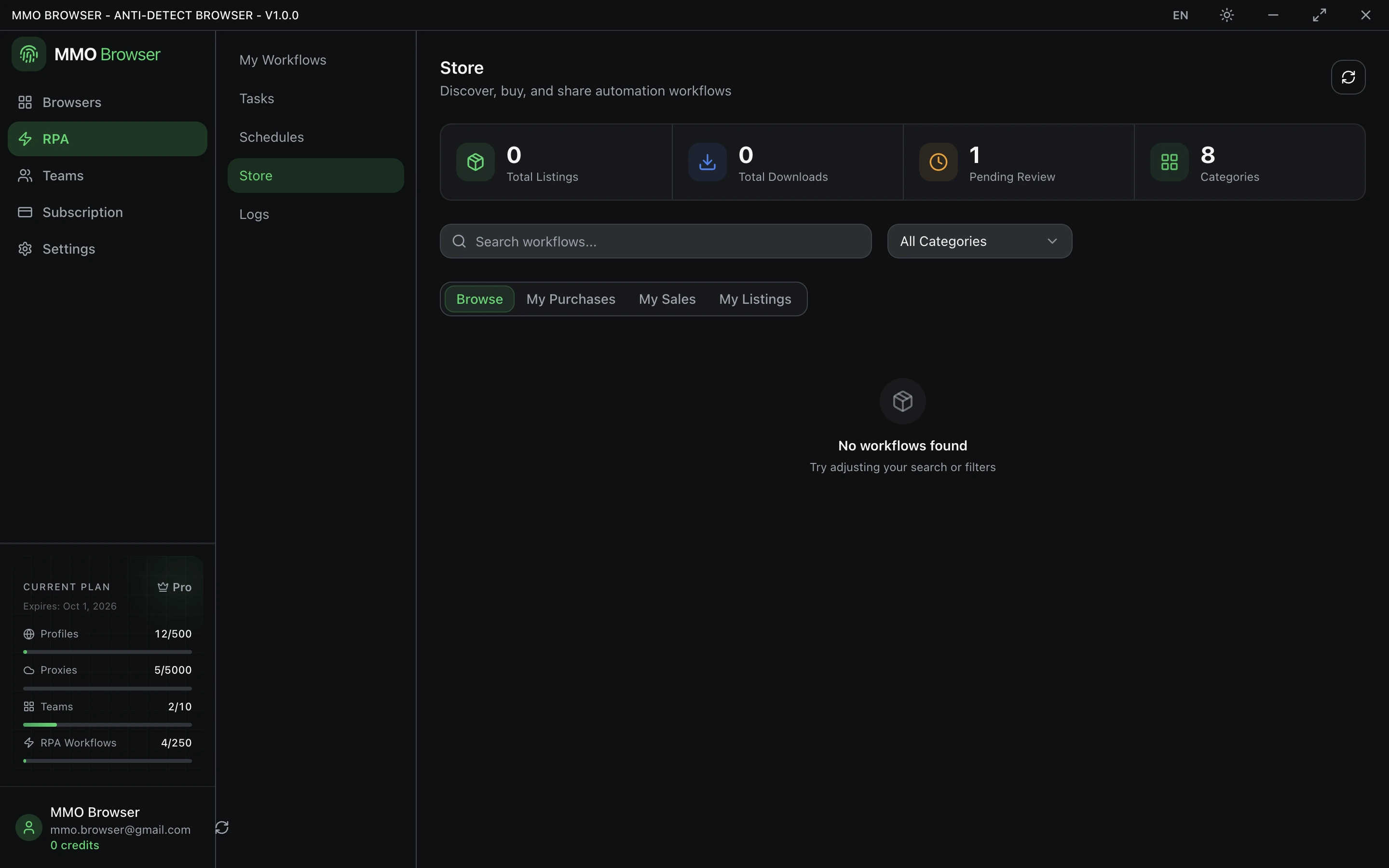
Publishing your own
- Open the workflow you want to publish and submit it to the store.
- Give it a category, a description that says what it automates and on which site, and a price — or zero to publish it free.
- Wait for review. Listings are checked before they appear publicly.
- After it is live you can edit the price and description, or remove the listing.
Removing a listing stops new purchases but does not reach into the copies people already imported. Check what a workflow contains before you publish it — a recorded workflow can carry the URLs and field values you used while recording.
Purchases and ratings
- My purchases lists everything you have acquired, so you can re-import a workflow you deleted without paying again.
- Ratings and reviews can be left by people who actually acquired the listing.
- Likes are one per account, and can be withdrawn.