How a workflow runs
Execution order, branching, loops and what happens when a block fails.
Execution order
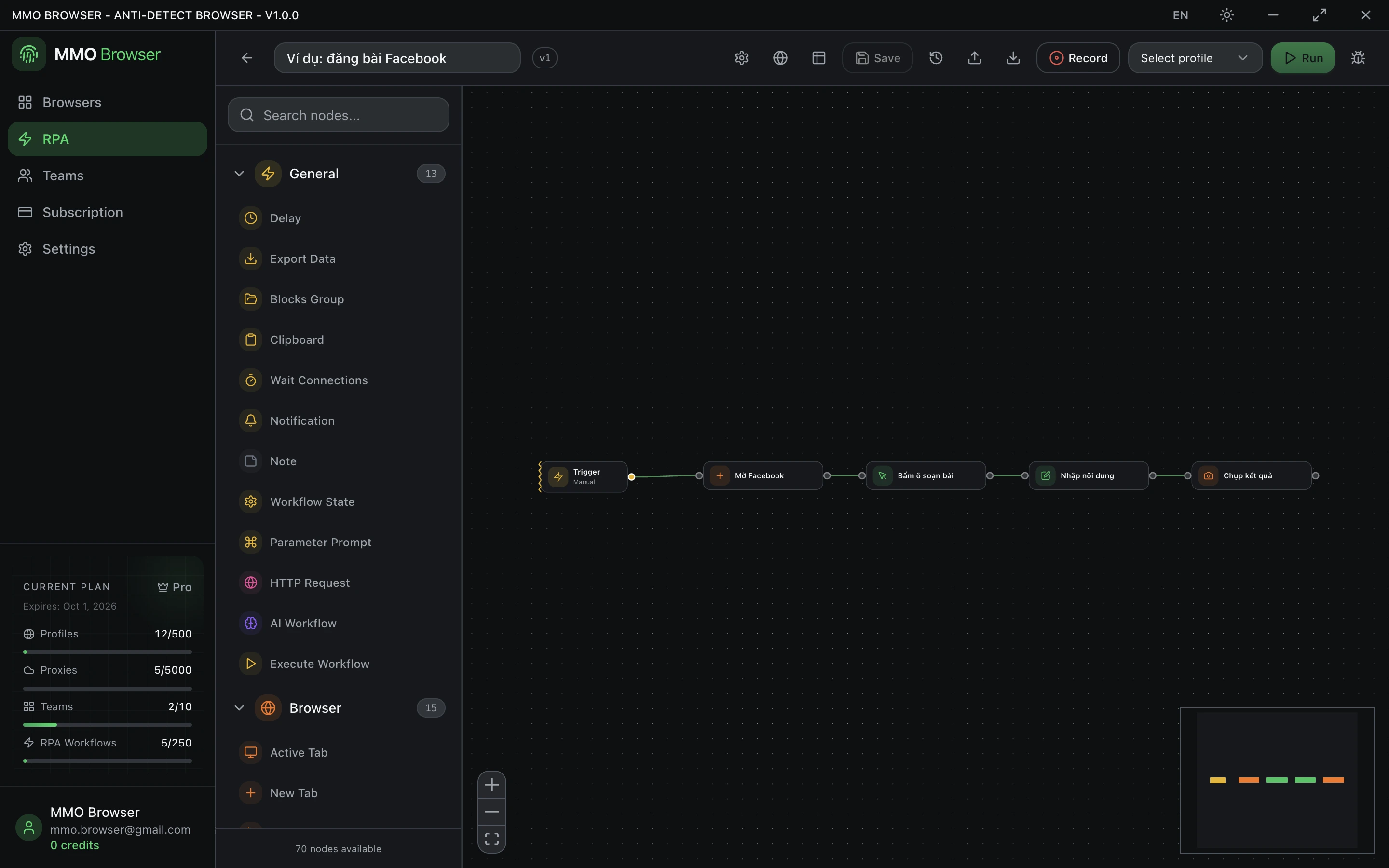
Execution starts at the Trigger block and follows the connections. A block with several outgoing connections fans out; Wait Connections is how you join those branches back together before continuing.
Control Flow blocks change the path rather than the page: Conditions branches on a comparison, Element Exists branches on whether a selector matched, and the loop blocks repeat a section of the graph.
Loops
- Repeat Task — run a section a fixed number of times.
- Loop Data — walk an array, a data table, or a range of numbers, one item per iteration.
- Loop Elements — walk every element matching a selector, with an optional "load more" step for infinite lists.
- While Loop — keep going while a condition holds.
Each loop is closed by a Loop Breakpoint block, which marks the end of the loop body and sends execution back for the next iteration. Give matching loop IDs when you nest loops so the breakpoint closes the loop you meant.
When a block fails
A failing block stops the run and reports which node failed along with the error message. Blocks that depend on the page — clicking, reading text, waiting for an element — are the usual suspects, which is why most of them carry their own wait timeout and several carry retry settings.
- Give selectors a realistic wait timeout instead of assuming the element is there.
- Use Element Exists to branch when something is optional, rather than letting a click fail.
- Workflow State can stop the run deliberately, restart it, or raise an error with your own message.